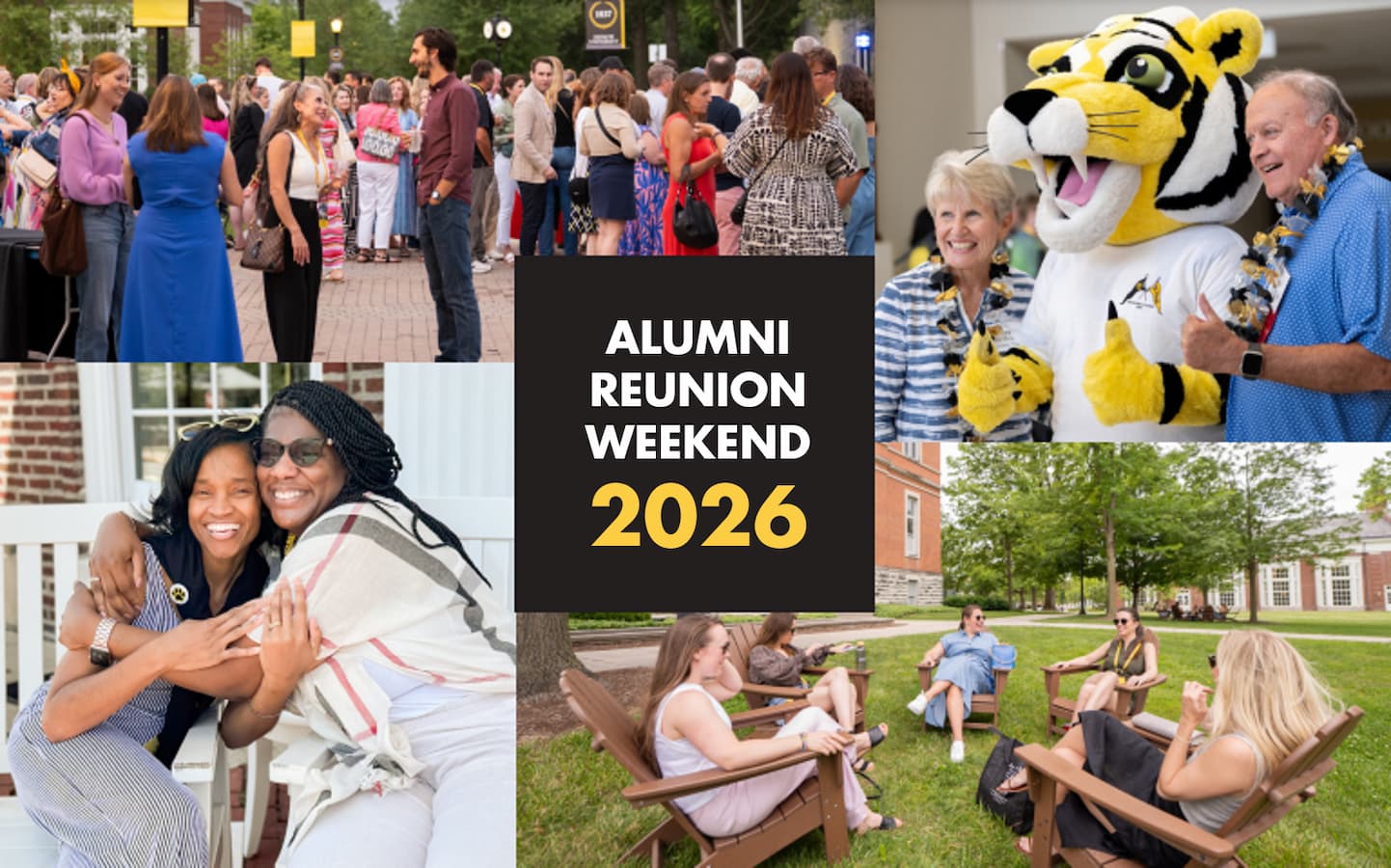
A Bold and Gold Weekend Alumni Reunion Weekend 2026
If your class year ends in a 6 or a 1, or you are a member of the recently graduated Class of 2025, this is your special year to celebrate. All alumni are invited to campus to reminisce, reconnect and celebrate. Enjoy music, movies, Alumni
Colleges, active play, great food and drinks.
Thursday, June 4, 2026
Check-In: Ready, Set, Connect!
12 - 6 p.m.
Tent on East College lawn
Class of 1976 50th Reunion Welcome Reception
6 - 10 p.m.
Vernon E. Jordan Jr. Residence Hall
220 E. Olive Street
Friday, June 5, 2026
Friday Check-In: Ready, Set, Connect!
12 - 6 p.m.
Tent on East College lawn
Golf
1 - 8 p.m.
Tiger Pointe Golf Course
37 N. US 231
EVENING ACTIVITIES
Class of 1976 Friday Night Cocktail Hour
5:30 - 7 p.m.
Stewart Plaza
101 E. Hanna Street
Rain Location: Julian Science and Mathematics Center, 602 S. College Avenue
Class of 1981 Friday Night Cocktail Hour
5:30 - 7 p.m.
The Inn at DePauw, Sunken Patio
2 W. Seminary Street
Class of 1986 Friday Night Cocktail Hour
5:30 - 7 p.m.
Robert G. Bottoms Alumni and Development Center, Back Patio
201 E. Seminary Street
First Friday (live music, vendors, food and drinks)
6 - 8 p.m.
Greencastle Courthouse Square
Class of 2001 Friday Night Cocktail Hour
6:30 - 8:30 p.m.
The Whisk
18 S. Jackson Street
Class of 1996 Friday Night Gathering
6:30 - 8:30 p.m.
The Fluttering Duck, Patio
2 W. Seminary Street
Movie Night and Glow-in-the-Dark Lawn Games
8 p.m. - 12 a.m.
Emison Lawn south of the building
204 E. Seminary Street
Saturday June 6, 2026
MORNING ACTIVITIES
Country Road Bike Ride (20 miles)
8 - 9:30 a.m.
Bring your own bicycle, gear, and sustenance and meet at Stewart Plaza Fountains (between East College and Hanna Street) for a 20-mile social-pace cruise through the country with GOLD Alumni Board member and cycling enthusiast Thomas Brelage ’23. Paved roads, some gently rolling hills.
Saturday Check-In: Ready, Set, Connect!
9 a.m. - 4 p.m.
Tent on East College lawn
Gold & Told Golf Cart Interviews
9 a.m. - 4 p.m.
From the tent on East College lawn to anywhere on campus.
5K Run
9 - 10:30 a.m.
DePauw Nature Park
1400 W County Road 125 S.
Campus Walking Trek
9 - 10:30 a.m.
Tent on East College lawn
Tiger Yoga
9 - 10:30 a.m.
Event Full; Preregistration Required
Lilly Center, Room 1019
702 S. College Avenue
Roy O. West Library Open for Self-Guided Tours
10 a.m. - 4 p.m.
405 S. Indiana Street
Free Time for Campus Meet-Ups
10:30 a.m. - 12 p.m.
Various Locations Around Campus
Living Units and Greek Open Houses
10:30 a.m. - 12 p.m.
Various Locations Around Campus
Fraternity and Sorority Greek members and friends gathering at their Chapter House:
Alpha Tau Omega
Beta Theta Pi
Delta Tau Delta
Delta Upsilon
Phi Delta Theta
Phi Gamma Delta
Phi Kappa Psi
Sigma Alpha Epsilon
Sigma Chi
Sigma Nu
Sorority Greek members gathering at their Chapter House:
Alpha Chi Omega
Alpha Phi
Delta Gamma
Kappa Alpha Theta
Kappa Kappa Gamma
Pi Beta Phi
Alumni and friends from Greek chapters and DePauw schools are invited to join us at The Bottoms Center and rear patio to catch up and reminisce.
DePauw Schools:
School of Nursing
School of Music
Fraternities:
Alpha Phi Alpha
Delta Chi
Delta Kappa Epsilon
Kappa Alpha Psi
Lambda Chi Alpha
Lambda Sigma Upsilon
Sororities:
Alpha Gamma Delta
Alpha Kappa Alpha
Alpha Omega Pi
Delta Delta Delta
Delta Zeta
Mu Sigma Upsilon
Omega Phi Beta
Phi Mu Epsilon
Psi Lambda Xi
Sigma Lambda Gamma
Zeta Phi Beta
MIDDAY ACTIVITIES
All-Reunion Lunch
12 - 1:30 p.m.
Stewart Plaza
Rain Location: Hoover Hall Main Dining Room
101 E. Hanna Street
Rick Beardsley ‘75 Art Opening
1:30 - 3 p.m.
Peeler Art Center, Visual Arts Gallery,
10 W. Hanna Street
Alumni College - "Thriving in the Second Half of Life" with Doug Smith '68
1:30 - 3 p.m.
Julian Science and Mathematics Center, 147 (Auditorium)
602 S. College Avenue
Alumni College - “Creative Ways to Generate Income in Retirement: How Philanthropy Can Help”
1:30 - 3 p.m.
Roy O. West Library, Wood Study
405 S. Indiana Street
Campus Golf
1:30 - 3 p.m.
Meet in Stewart Plaza
101 E. Hanna Street
Scavenger Hunt
1:30 - 3 p.m.
Begin under the tent on East College Lawn
Procession of Alumni to Convocation
3:45 p.m.
From the Arch on Locust and Anderson Streets just east of East College to the Green Center for the Performing Arts, Kresge Auditorium
Convocation of Alumni
4:00 - 5 p.m.
Judson and Joyce Green Center for the Performing Arts, Kresge Auditorium
605 S. College Avenue
EVENING ACTIVITIES
All-Alumni Cocktail Hour and Photo
5 - 6 p.m.
Judson and Joyce Green Center for the Performing Arts, Patio
Rain Location: Green Center Rotunda
605 S. College Avenue
Class of 1966 Saturday Evening Dinner
6:30 - 8:30 p.m.
Stewart Plaza
Rain Location: Hoover Hall, Wallace-Stewart Faculty Commons
101 E. Hanna Street
Class of 1976 Saturday Evening Dinner
6:30 - 8:30pm
Memorial Student Union Building, Ballroom
408 S. Locust Street
Class of 1981 Saturday Evening Dinner
6:30pm - 8:30pm
Robert G. Bottoms Alumni and Development Center, Back Patio
201 E. Seminary Street
Rain Location: Inside the Bottoms Center
Class of 1986 Saturday Evening Dinner
6:30pm - 8:30pm
Julian Science and Mathematics Center, Atrium
602 S. College Avenue
Class of 1991 Saturday Evening Dinner
6:30pm - 8:30pm
Lilly Center, Lobby
702 S. College Avenue
Class of 1996 Saturday Evening Dinner
6:30pm - 8:30pm
Lost Hollow Beer Co.
102 E. Franklin Street
Class of 2001 Saturday Evening Dinner
6:30pm - 8:30pm
Bridges Craft Pizza and Wine Bar, Rooftop
19 N. Indiana Street
Rain Location: Music on the Square, 21 N. Indiana Street
Class of 2006 Saturday Evening Dinner
6:30pm - 8:30pm
The Inn at DePauw, Social Center
2 W. Seminary Street
Class of 2011 Saturday Evening Dinner
6:30pm - 8:30pm
Eugene S. Pulliam Center for Contemporary Media, First Floor
609 S. Locust Street
Class of 2016 Saturday Evening Dinner
6:30pm - 8:30pm
Hoover Hall, Mezzanine
101 E. Hanna Street
Class of 2021 Saturday Evening Dinner
6:30pm - 8:30pm
The Whisk
18 S. Jackson Street
The Big Show: Live Music by My Yellow Rickshaw and Glowing Dance Floor
9:00pm - 11:00pm
Emison Lawn
Sunday, June 7, 2026
Breakfast and Checkout On Your Own
8:00am - 11:00am
Various Locations