About Discovery Search
What am I searching when I use Search?
- All of WorldCat in an interface called WorldCat Discovery
- A growing collection of e-books and articles from a variety of databases
- All the books, videos, music, special collections, and more at DePauw Libraries
Can I search the databases directly?
- Yes! These can be accessed from the Databases link on the home page.
How do I narrow results to just DePauw stuff?
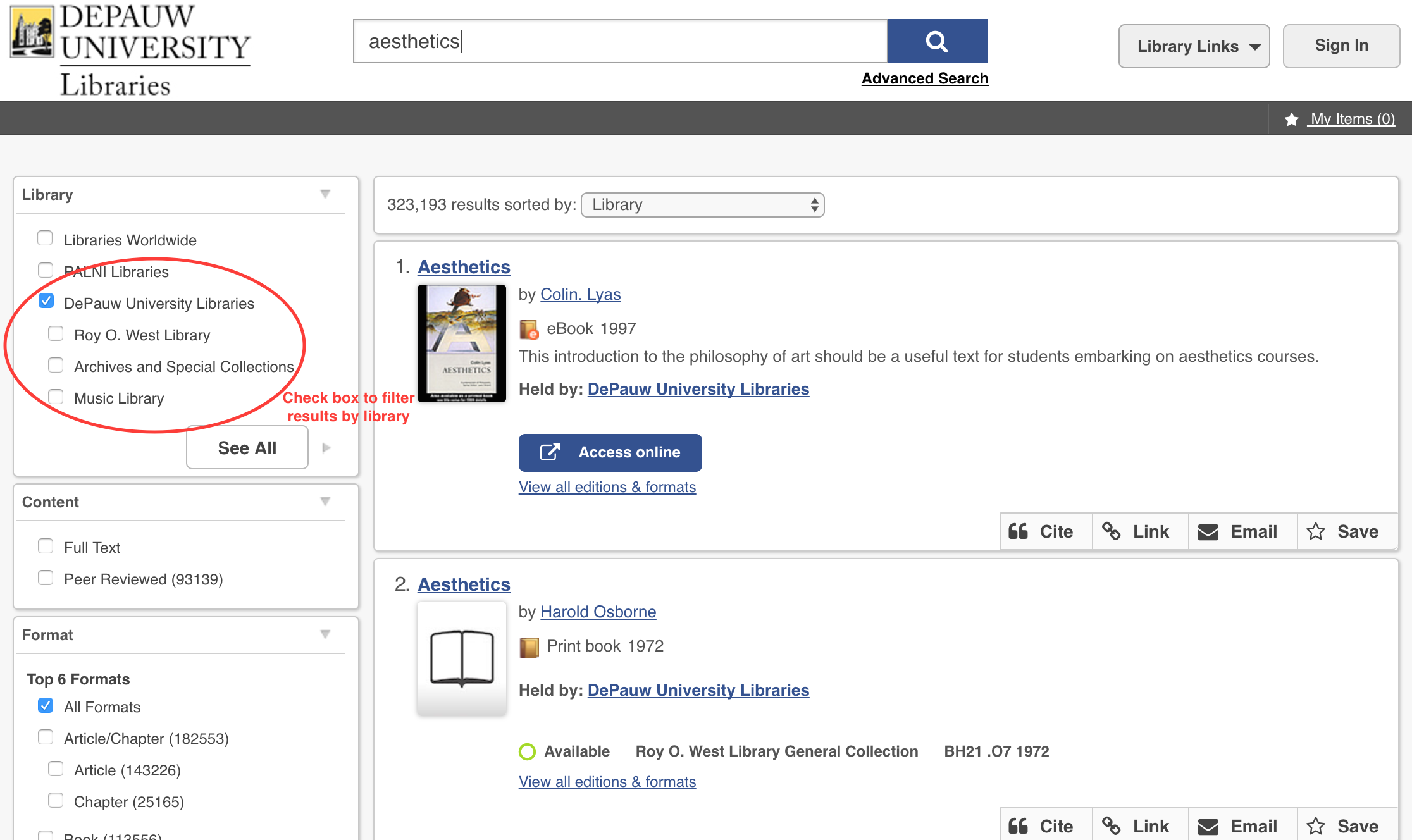
- Use the filters on the left side of the results screen to limit your results by Library
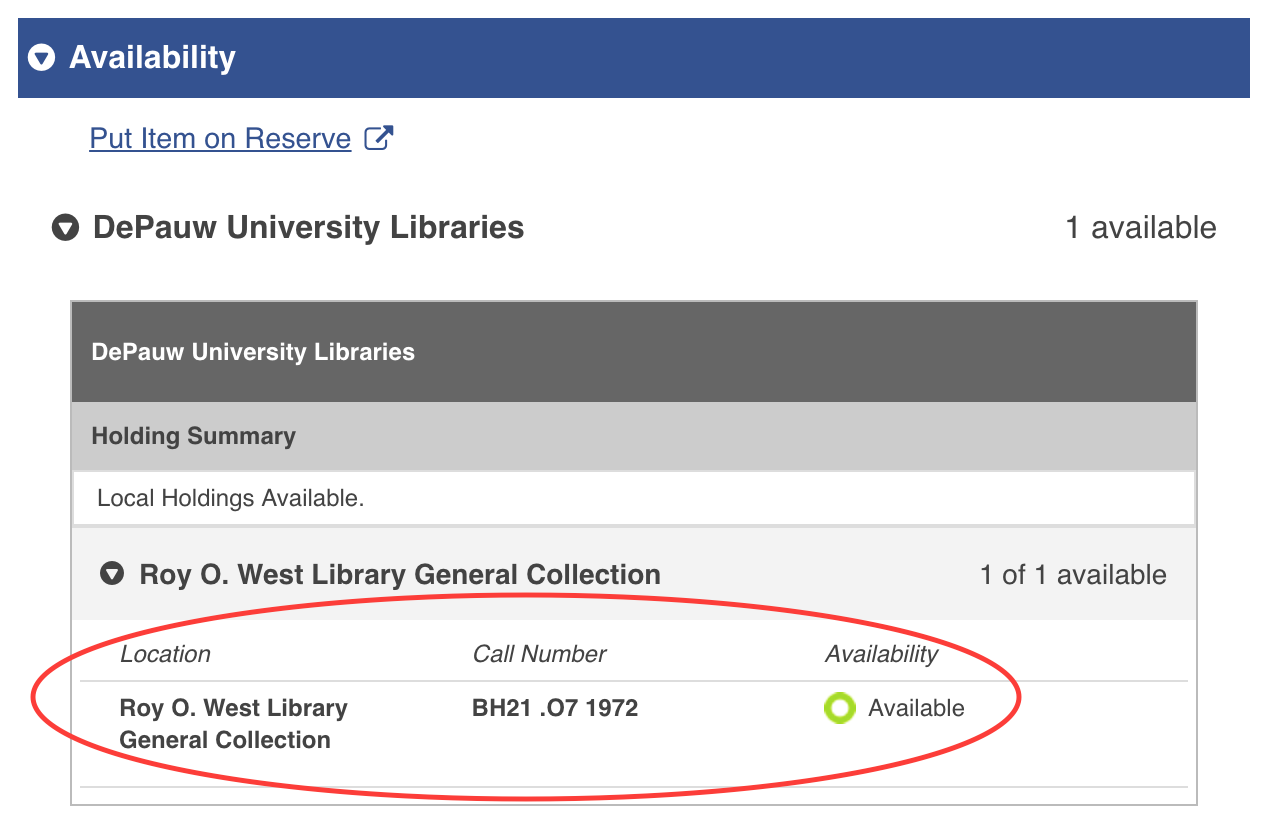
- Click on a title to view the Availability tab which includes the library name and call number
How do I get to the full-text or abstract of an article?
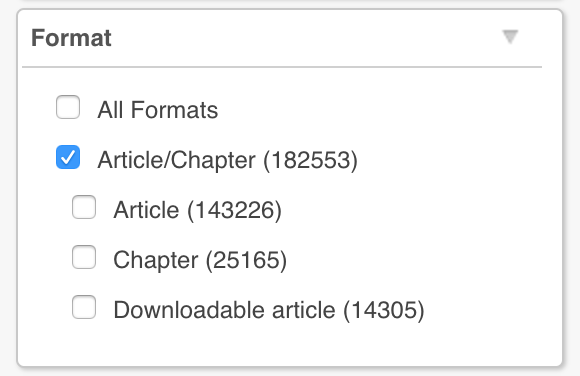
- Narrow results by checking the box for Article/Chapter in the Format filter at the left
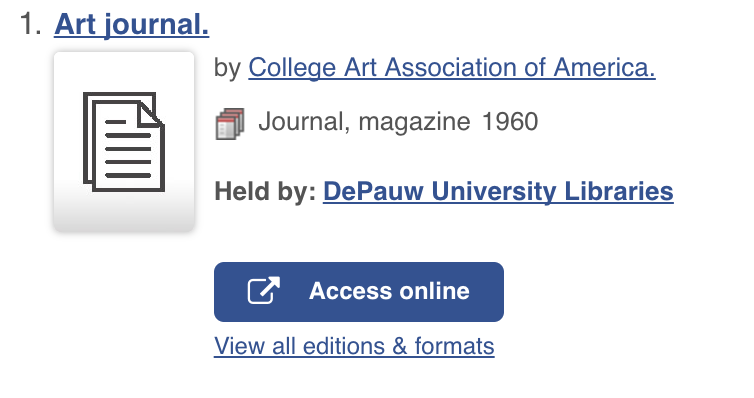
- Click the Access online button to view the full-text

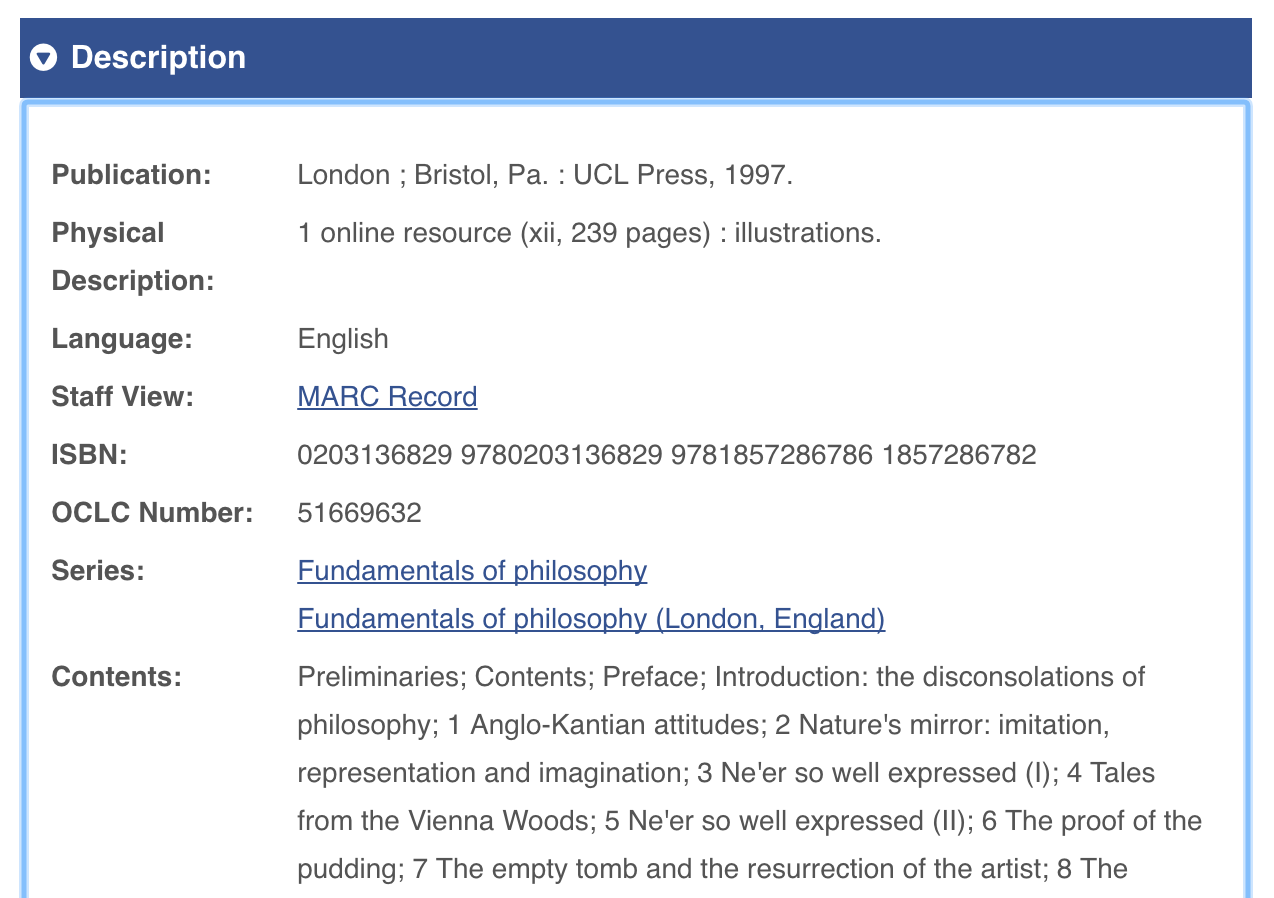
- Click the title and then the Description tab for more information such as an article abstract
- If the library does not subscribe to the article in full-text, you may click the Request Item button on the Availability tab to request a copy from Interlibrary Loan

How do I find journals?
- Type the name of the journal in the search box

- If you have trouble or just have a question, Ask a Librarian